Agent Guide
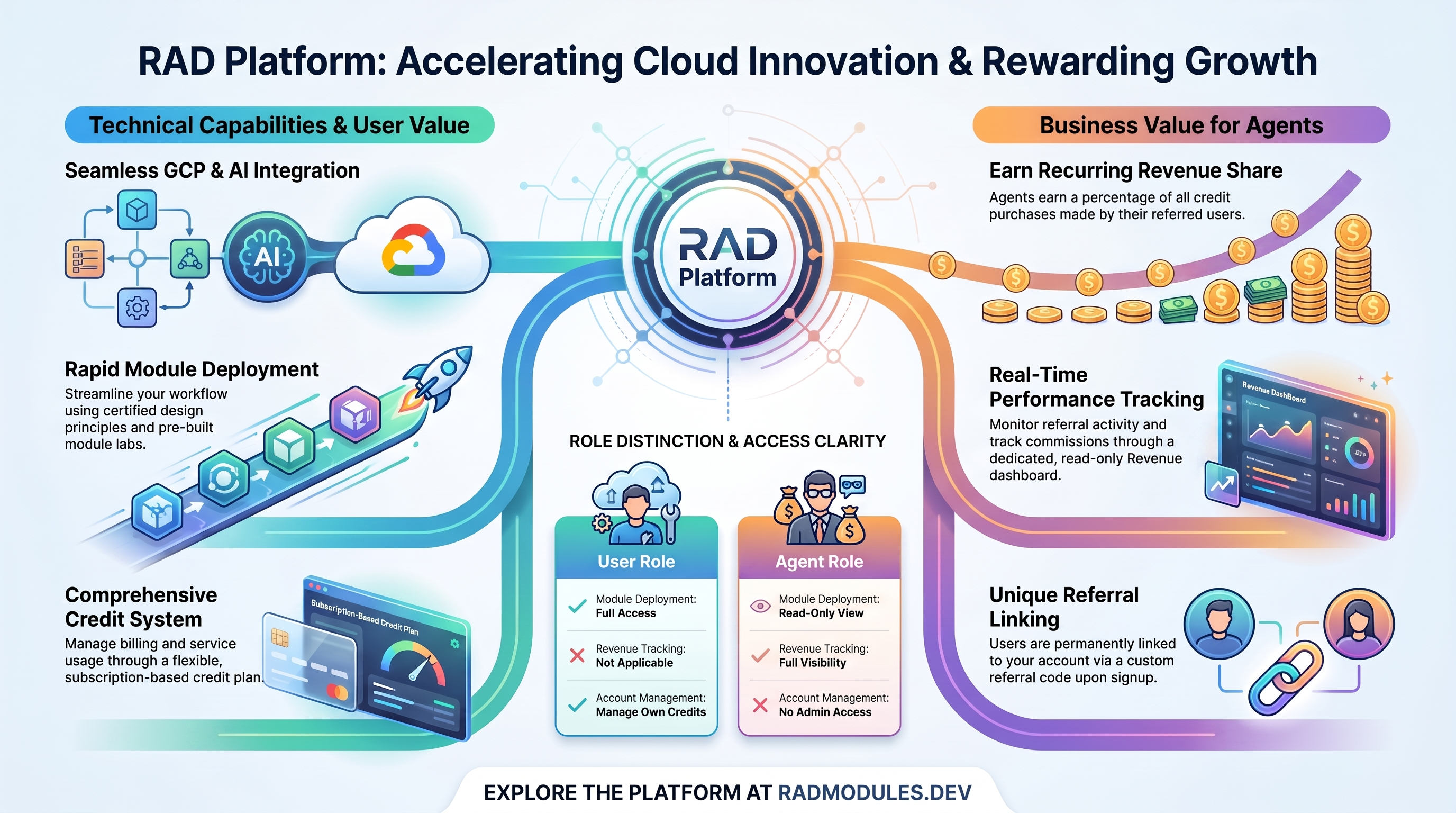
For referral partners who earn commission when the users they referred deploy modules on RAD. New to RAD? Start with Using RAD.
What you can do
As an Agent, your role is focused on referrals and commission:
- Earn commission on the activity of users who signed up with your referral code.
- Track your commission on the Revenue page.
- See a read-only list of the users you referred and their module and cost activity.
- If you also hold the User role, manage your own credits and billing like any other user.
After you sign in, you land on the Revenue page. Your top navigation shows Revenue and Help.
How referrals work
When someone signs up for RAD using your referral link, they are linked to your account. Your link and code are on the Help page under the Support tab: the Invite Friends card shows your code, a QR code, and Copy Link and Share buttons, and appears whenever referral rewards are switched on.
From then on, the eligible activity of that referred user contributes to your commission. Self-referrals do not count.
Referrals also earn you bonus credits: each new signup through your link adds referral credits to your balance, up to a monthly limit set by the platform. Past that limit you can still refer users and still earn commission on their activity, but no further referral credits are awarded until the limit resets at the start of the next month.
Tracking your commission on the Revenue page
The Revenue page is where you monitor what you've earned.
- Click Revenue in the top navigation. The page opens on the My Referral Revenue tab, which is the one described here; the second tab, Module Revenue, shows the same referral earnings without the referred-user picker.
- Your earnings are your agent revenue share of what your referred users spend on module deployments out of credits they paid for. Credits they were given free — signup, monthly and other awarded credits — earn you nothing, and build (time-based) charges are excluded entirely: only a module's own credit cost counts.
- Self-referrals are excluded.
Seeing your referred users and their activity
The Revenue page also gives you a read-only view of who and what is generating your commission:
- See the users you referred, along with the modules they deployed and the credit cost of that activity. Only deployments that earned you commission are listed — one your referred user paid for entirely with free credits produces no row.
- Set a start and an end date, then click Fetch User Revenue. Nothing loads until you do, and the range can't be longer than 366 days. You can narrow the results further by referred user and by module.
- Export the report so you can review it offline.
This view is read-only. You can see your referred users' activity, but you cannot act on their accounts or deployments.
Managing your own credits and billing
The Agent navigation itself has no Credits item. If you also hold the User role, you get the Credits page through that role and manage your own credits and billing like any other user — viewing your balance and transaction history, buying credits, and subscribing to a credit plan. See Using RAD for how credits and billing work.
What agents can't do
The Agent role is intentionally narrow. As an Agent you cannot:
- Publish or manage modules.
- Manage other user accounts (including changing credits, roles, or active status).
- Change platform settings.
- Run or process payouts.
- Act on another user's behalf — there is no impersonation anywhere in the platform.
Getting help
Visit the Help page and use the Support tab to contact the support team. You can also reach Help from the Contact us link in the footer.
Need RAD to do something it does not do yet? Request it on the roadmap, or vote on what is already there.